Over the last year we have updated our systems and purchased new services to support the creation of accessible and inclusive content.
Blackboard Ally automatically creates alternative versions of files in Moodle, which allows you to choose the type of file which best suits your needs. Whether you want to listen to the document as a podcast, read it as an e-book or download a PDF to use with assistive technology, Ally has it covered.
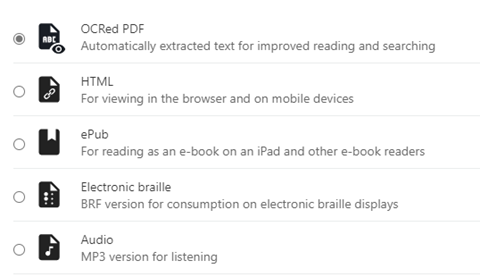
All you need to do is sign into your course. Look for the Download Alternative Formats icon and download a format that suits your learning needs.
Improved Captioning Request Service is coming for Term 2
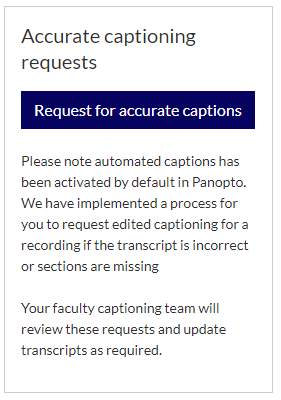 We are implementing a process for you to request improved captioning for a recording if a section of the transcript is incorrect or a section is missing. Your Faculty captioning team will review your request and update the transcript as required. This service will be available to use in time for next term.
From your Moodle course, select “Request for accurate captions” and complete the form to submit your request. This service is for all students, and does not replace individual, reasonable adjustments available from our Student Wellbeing Service.
Creating inclusive content
There are a range of features available to you in Microsoft 365, including accessibility tools which ensure all of us are supported and empowered, and our Creating Inclusive Content pages provide you with university specific support and guidance.